
This article explains how coaches synchronize the Firstbeat Sports: Coach app with Firstbeat Sports Cloud manually. The Coach app synchronizes automatically at regular intervals. Sync now downloads the latest changes from Sports Cloud to the Coach app and uploads data stored on the device to Sports Cloud immediately.
Before you start
- The device has an internet connection.
Steps
- Open the menu. In the Coach app, tap More (…) in the navigation bar.
- Sync. Tap Sync now and wait for the synchronization to finish.
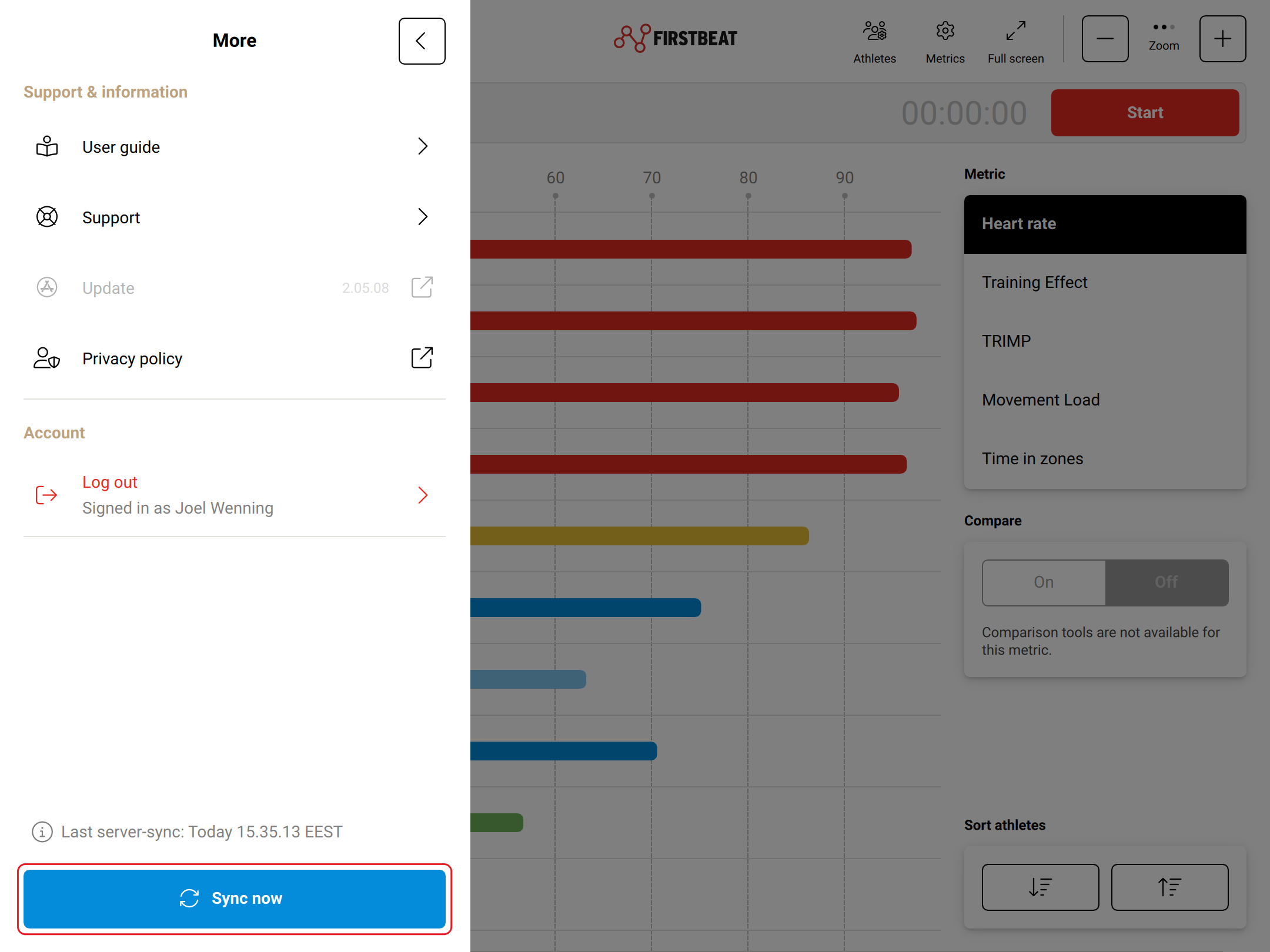
Screenshot: the More menu with the Last server-sync time and the Sync now button at the bottom.
Result
Last server-sync above Sync now shows the time of the completed synchronization.
Need more help? Ask the Customer Agent chat on this page or email support@firstbeat.com.